Windows 10
The latest version of Windows 10 ISO File Download

Safe & Secure
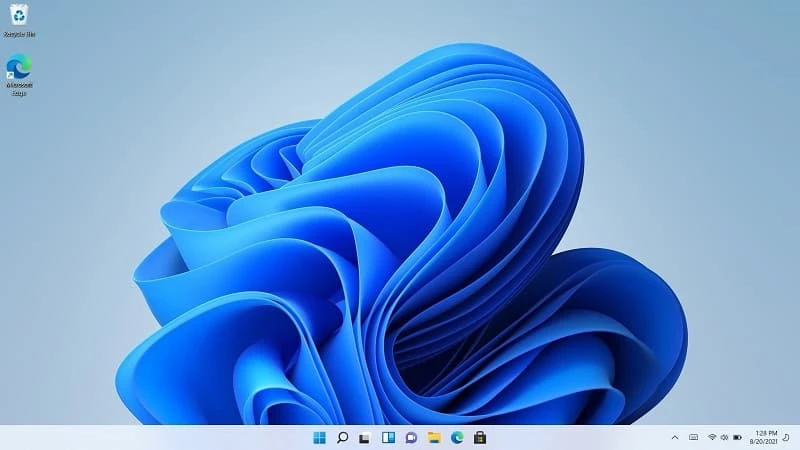
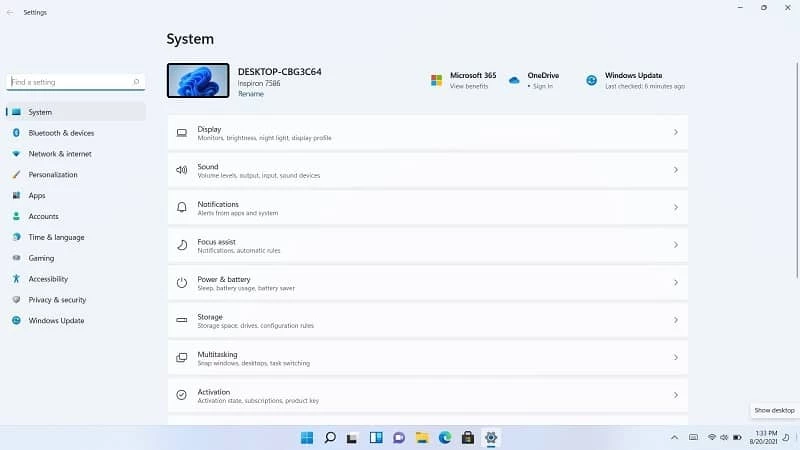
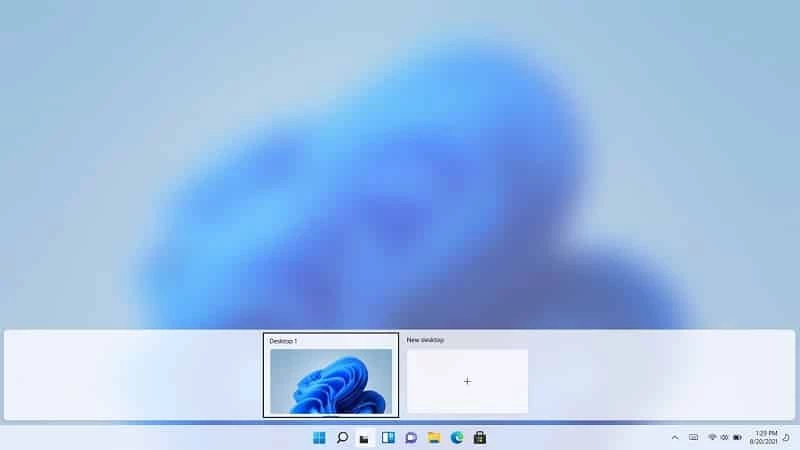
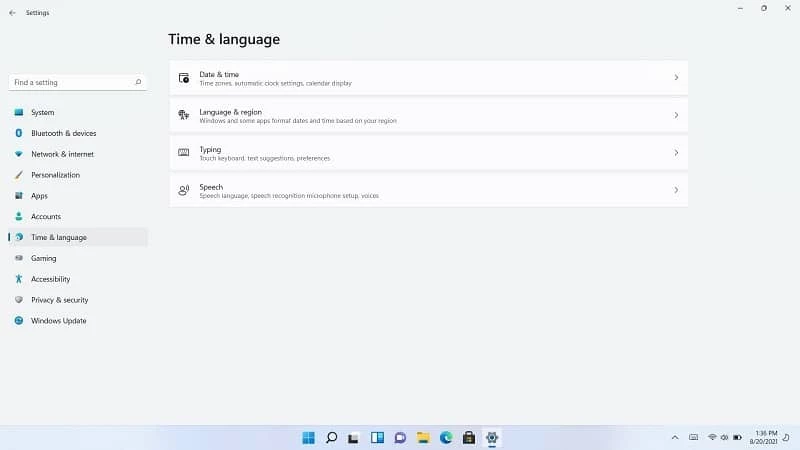
Windows 11 is the latest version of the Microsoft operating system, upgrading Windows 10 to an aesthetic and functional workflow. It has made changes such as adding some new features, as well as removing multiple features from Windows 10, boasting a modern interface along with softer color palettes and round edges.
The app offers a new variety of improvements for users aiming to enhance their daily use, professional workflow, a mixture of new local and cloud-based apps and services, compatibility with touch-friendly devices, and a rethinking of many User Interface elements. It is possible to install the app or simply use the upgrade path to replace your Windows 10 with Windows 11 for free.
Windows 11 is the latest version, developed by Microsoft, launched on October 5, 2021, as the successor to Windows 10. You can download it for free if you already have Windows 10 installed on your PC, or have a system that meets all its system requirements. You will find huge enhancements with a fresh and efficient interface.
The app improves all aspects of functioning, maintaining compatibility with legacy apps offered by Microsoft. You will find awesome changes with the interface, specifically the taskbar that has large icons, housing a centered row.
The user interface has noticeable changes in the taskbar, giving a quite new and fresh look, as it houses a centered row of larger icons. You can activate the new Start Menu, which is center-aligned, offering significant adjustments for the new OS. It is redesigned for displaying the pinned apps at the top of the panel and recommended apps at the bottom. It also offers an “All Apps” button located at the top right corner for viewing all apps simultaneously.
Initially, Windows 11 was similar to Windows 10 and used Cortana as the productivity assistant. However, Cortana was upgraded to a new AI-powered assistant called Windows Copilot for Windows 11. The innovative functionality streamlines multiple processes across all applications to enhance productivity. It is easily accessible through the taskbar to enable users to manage and customize the system more intuitively. Moreover, it offers similar functionality as other AI assistants, such as content summarizing, regardless of whether it is within the apps or the web browsers. Similar to the Bing chat dialog field, it also allows users to ask queries or initiate internet searches.
File Explorer is also redesigned to offer colorful folder icons on the left panel with a less busy ribbon at the top. You are capable of opening several pages exclusively in one window, featuring a tabs option. Moreover, the app offers seamless handling of RAR and 7-zip files without switching to third-party apps. It also offers an eye-catching frosted glass style within the main visual theme, animations, and transitions.
Similar to other functionalities, you will also find an awesome change for the search option, as the simple search option has been replaced with a more interactive feature, displaying results from different resources, including documents, photos, folders, and the web. You can access a more advanced AI assistant, Copilot, by toggling a panel right from the search function to make your searching process faster and easier.
The availability of multiple new tools, optimizations, and services helps to resize windows into versatile virtual grids. It also offers full integration for Android Apps, allowing users to run their favorite Android apps on the Windows 11 desktop. The Android apps are available on the Microsoft Store in collaboration with Amazon Android App Store. You can download Windows 11 on a wide variety of the latest machines with enhanced hardware support. However, it is not possible to boot it from a conventional BIOS chipset.
Snipping Tool is one of the significant tools that replaces the old Snip & Sketch tool, revamping with fresh features, such as a delay timer to capture screenshots, still image capturing, screen recordings, and even uses AI to capture and redact sensitive information from screenshots. One of the more convenient functionalities, and it is also possible to use third-party screenshot capturing tools on Windows as well.
The widget panel is beautifully organized to display various important widgets, such as weather, sports scores, and so on. It is customizable, allowing users to add Windows tiles or third-party widgets to the panel. Moreover, the Quick Settings panel is accessible through the connection, speaker, or battery icons. The adding of new features to the panel is possible, and it also enables users to see the status of icons, retaining hover function over the three mentioned icons. The notification panel is separately available within a circled number that indicates the total number of notifications.
Embedded with TPM, Secure Boot, and the improved Microsoft Defender, the app is completely foolproof to avoid unauthorized access as well as malware. For enhanced security, it offers Sandbox for running programs in an isolated environment, avoiding introducing malware to the entire system. Compared to Windows 10, it offers smooth, fast, and stable performance, specifically in gaming and the productivity field, ensuring a less intrusive and annoying environment.
It very quickly arranges the app windows on the screen, making them accessible by hovering over the maximize button. You can enable the function through the Taskbar and select apps to open, regardless of single or group apps. It is available on tablets as well. You will find awesome improvements for multiple inconsistencies in settings and dialogs in Windows 10; however, some controls are still in old style. Move to color settings for switching between Light and Dark mode.
The default Microsoft Store has been revamped as a stylish app, offering huge visual content along with apps, and so on. The UWP app type isn’t included in the Store, but multiple large programs, including Visual Studio, Paint 3D, and Progressive Web Apps, are added to the Store, along with new features such as Meta Quest VR support, custom title bars, and so on to enable users to play casual games more reliably.
The seamless accommodation of Microsoft Office suite applications, including Microsoft Word, Microsoft PowerPoint, and Microsoft Excel, is for enhancing user productivity, avoiding the need to install the apps exclusively. In addition, it offers integration with Microsoft Teams, combining Teams Chat and Teams Meetings in a single app to allow users to make free calls and texts to their mobiles from a PC.
Windows 11 enhances accessibility, offering Windows Speech Recognition, Narrator, Magnifier, and Closed Captions, along with facility of adding third-party assistive devices. New themes are included in assistive features, use audio sources for live caption transcription, AI-driven voice typing, improved braille display support, and so on. You will also find awesome changes with Copilot, including assistive features.
A new and fresh gaming experience is offered by Windows 11, as it offers integration with the Xbox app, enabling users to access Xbox Cloud Gaming and the Xbox Game Pass collection, and turning your PC into a fast and efficient gaming console. The availability of the latest technologies such as Auto HDR to enhance color clarity and DirectStorage to offer fast loading times. It also offers Dynamic Refresh for battery saving, and supports the fast Wi-Fi 6E standard.
There are different ways to get Windows 11 on your system, as you can upgrade your Windows 10 only if your system meets the requirements, or simply purchase the fresh one as well. Here are some ways;
You can directly download Windows 11 using the downloaded OS file from SoftMany, allowing the setup wizard to manage the installation process.
It is another easy way; simply create a bootable DVD and use it to install Windows 11.
Use a virtual drive to run the Windows 11 ISO file using many tools like Rufus.
You can upgrade your Windows 10 to Windows 11 only if your PC is compatible with the required system requirements. You can check the hardware compatibility using two different apps, such as PC Health Check, an app developed by Microsoft, and the other is an open-source solution called WhyNotWin 11.
In case of not locate the upgrade option, you can download the app while following the given steps
Below, we are discussing the simple and smooth process of upgrading Windows 7 to Windows 11,
It proves the best alternative to Windows, maintaining the simplicity and stability of the interface similar to Windows 11 and Windows 7. It is free and open-source, offering navigation, multimedia, and office services.
It is the predecessor of Windows 11, officially released by Microsoft, offering feature-rich functionality through a versatile and user-friendly interface. The cross-platform compatibility is available for both traditional and touchscreen devices to offer support for a familiar Start menu and Microsoft Edge, and also an AI assistant called Cortana.
It is also a Linux distribution with millions of active users across the world, offering free, constantly updated, secure functionality. It offers a built-in app store embedded with a plethora of free programs, and compatibility with modern computers. The open-source utility proves an ideal choice, even for beginners to transition from other operating systems.
Another stunning Linux distribution proves the best option for users who want to migrate from the Windows operating system, as it offers huge familiarity to Windows 7 and Windows 10 as well. It offers a basic version for free with an easy-to-install process. It is lightweight, and compared to Windows 11 consumes very few system resources.
Pros
Cons
Trusted Platform Module (TPM) is for offering enhanced security, as it communicates multiple security components and software within your operating system, and offers services in case of failing antivirus and VPN tools.
It is reported in the Canary Channel, but not officially announced by Microsoft itself, about the release of Windows 12.
It is officially allowed to upgrade Windows 10 to Windows 11, but keep in mind that the copy of Windows 10 should be genuine and activated. However, you can’t install Windows 11 on a brand-new PC for free.
As the app is compatible with newer and modern machines, it offers fast performance, but using more background resources, heavier visual effects, and stricter security features can slow down the performance of a PC, specifically the cluttered or older PCs.
The latest version of Windows 10 ISO File Download
The latest PRO/Ultimate version of Windows 7 ISO file Download

Kali Linux is a professional penetration testing and forensics toolkit that demands the complete integrity of your tool
Windows 8.1 ISO Download for desktop and touch screens

Command-line utility for creating Android-friendly applications